
Figma has fundamentally changed how design and development teams work together — and in 2026, it sits at the centre of nearly every serious product team’s workflow. If your business is still passing static PDFs between designers and developers, you are leaving speed and quality on the table.
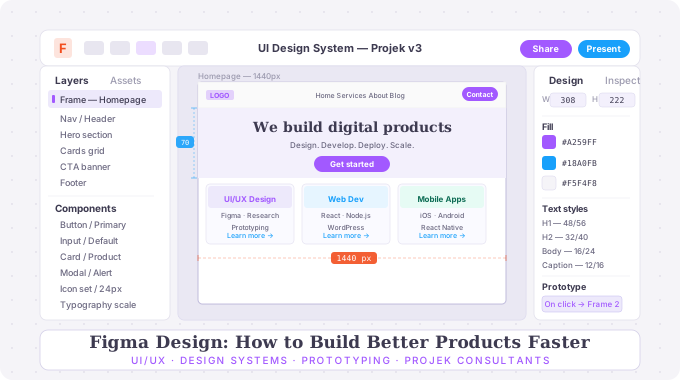
- Design Systems That Scale
The biggest productivity unlock in Figma is building a proper design system — a shared library of components, colour styles, typography scales, and spacing tokens that every team member uses consistently. Once your button, card, and form components live in one place, a single update propagates across your entire product instantly. What used to take days of inconsistent copy-paste work takes minutes.
- Auto Layout Changes Everything
Figma’s Auto Layout feature lets designers build components that behave like real code — elements that stretch, stack, and reflow based on content. This means designers can prototype responsive behaviour accurately, and developers receive handoff files that actually reflect how the UI should work at every screen size.
- Prototyping That Feels Real
Figma’s prototyping engine now supports interactive components, conditional logic, and smooth transitions that communicate UX intent far more clearly than static wireframes ever could. Stakeholders can click through a realistic prototype before a single line of code is written — catching misalignments early, when they are cheap to fix.
- Seamless Developer Handoff
Figma’s Inspect panel gives developers exact spacing, font sizes, colour hex values, and CSS properties directly from the design file. Combined with tools like Figma Tokens and direct Storybook integration, the gap between design and code has never been smaller.
At Projek Consultants, Figma is the foundation of every UI/UX project we deliver across Singapore, Dubai, and Mumbai.
Want a design system built for your product? Talk to our team →